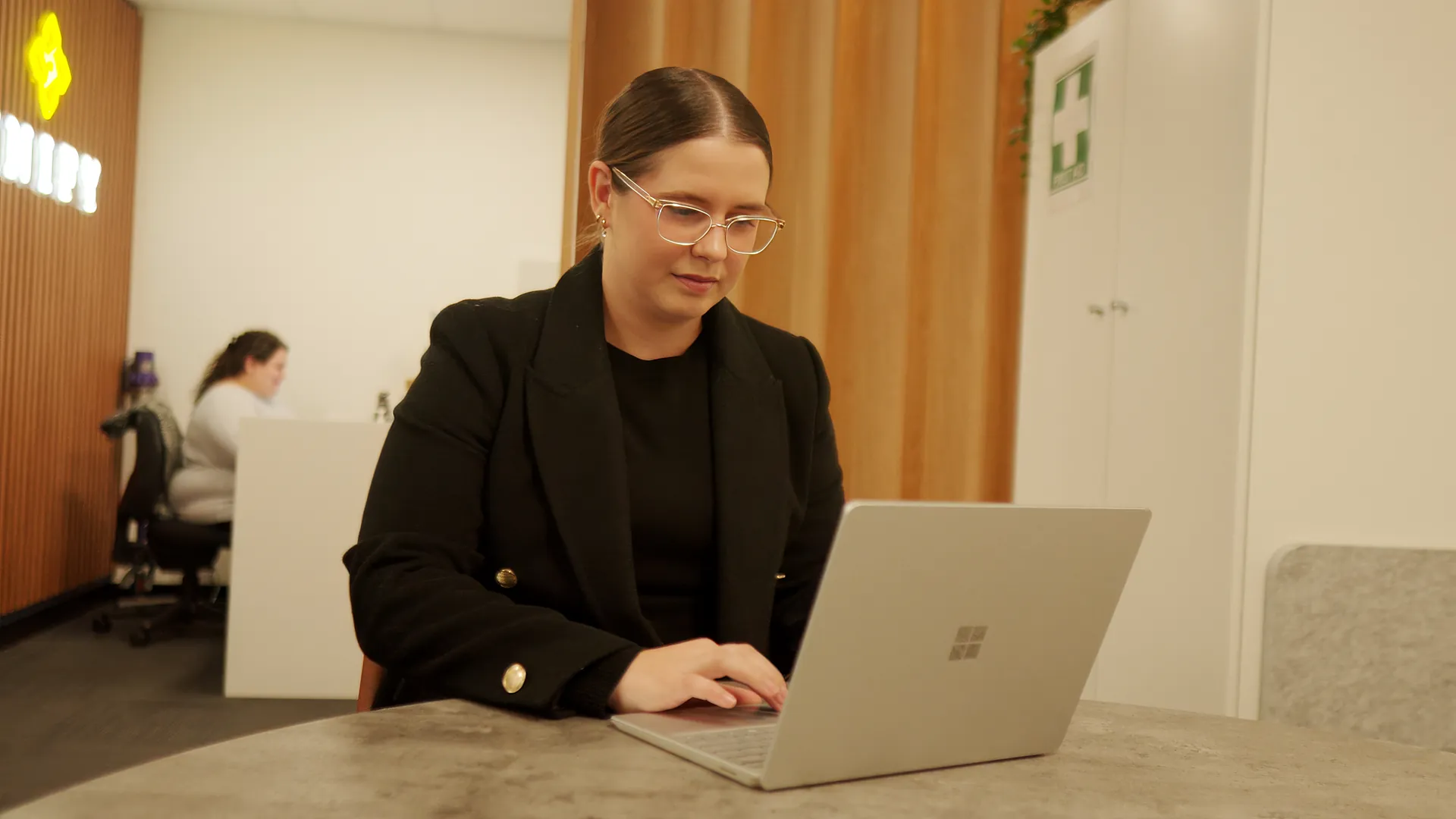
A telehealth app or browser link can connect you with a practitioner from another location. Before booking, check whether an online appointment suits your support needs, access preferences and technology.
Start with the appointment, not the app
Ask your provider which platform to use and how to join. You may use a phone, tablet or computer. Some platforms open in a browser; others need an app or account. Follow the provider’s instructions rather than downloading unfamiliar software.
An app’s advertised features do not tell you which services your provider offers. Prescriptions, health monitoring and medical tests are not standard features of every disability-support appointment.
A simple preparation checklist
- Check the appointment time, joining link and contact number.
- Test your camera, microphone, sound and internet connection.
- Charge your device and find a comfortable, private space.
- Have your questions and any requested documents ready.
The NSW Health virtual-care guide has practical preparation tips. Your provider’s platform and instructions may differ.

Ask for access and privacy information
Tell the provider about communication needs, captions, an interpreter or a support person. Ask what can be arranged before the appointment.
Ask who can join, whether anything is recorded and how your information is handled. Read the provider’s privacy policy. The OAIC explains your health-information rights. An app name alone does not establish privacy or security.
Agree on costs and a backup plan
Confirm the rate, session length, funding arrangements and any additional agreed charges. Tell your provider if internet or device access is a barrier. Ask what happens if the call drops out or an in-person appointment is needed.
Frequently asked questions
Do I have to choose my own telehealth app?
Usually your provider gives you joining instructions. Ask them to explain any download, account or device requirements.
Can someone support me during the appointment?
Ask your provider how to include a person you trust. Agree who will attend and what information you want shared.
Is an online appointment suitable for every support?
No. Suitability depends on your needs and the work involved. Discuss whether online, in-person or a combination is appropriate.
Ask about Unify telehealth
Explore telehealth options or contact the team to confirm availability, platform, access arrangements and costs. This enquiry service is not urgent medical care; call 000 for an emergency. Guidance checked 3 October 2026.